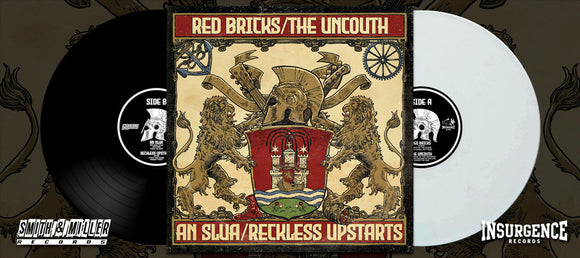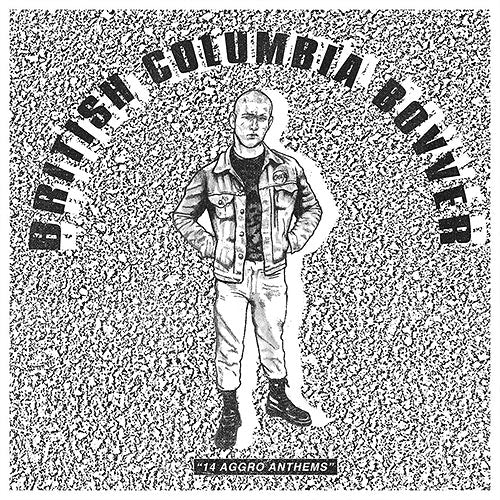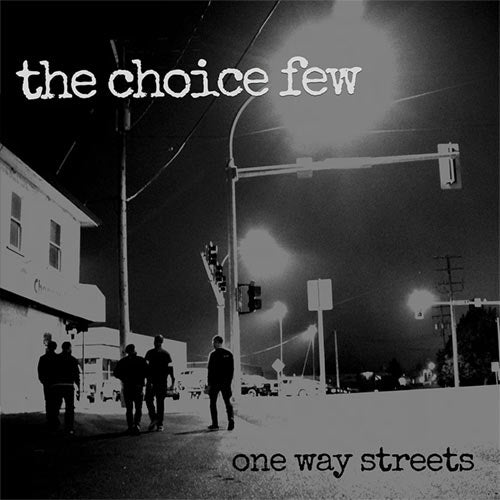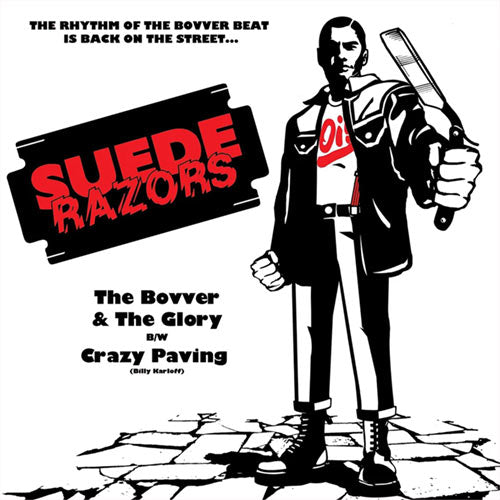

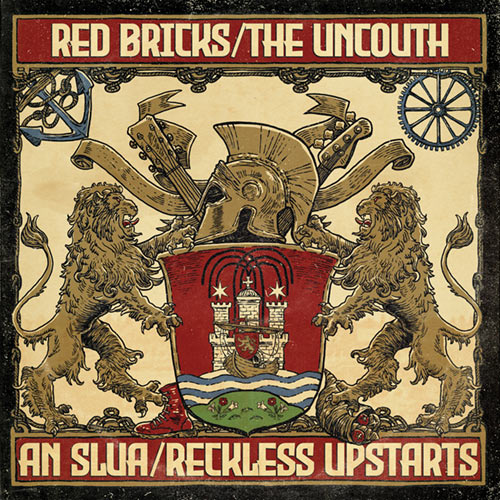






Everything you'll need to create your own sampler is available for download below, together with easy assembly instructions. Feel free to burn additional copies and pass 'em along to others!
INSTRUCTIONS:
 |
 |
Download the soundfiles for the free Insurgence sampler here. The files are high quality and large, so it's been broken down into four parts: |
 |
 |
Download a PDF of the sleeve artwork here.
Open it with Acrobat |
 |
Compile the CD and assemble the CD-sleeve as per these specs: |
CD PRODUCTION:
Unzip the downloads and house all of the mp3s in one folder. Next, burn the mp3s onto CDs in a format acceptable for use on CD players. Most CD burning software will convert the files automatically. Here is a freeware application (Real Player) you can download if you need it. Here are detailed step-by-step instructions on how to use Real Player to perform the task. It is important that you successfully test the copied CDs on your stereo before burning copies and handing them out to your friends.
CD PRODUCTION:
Print out the artwork on a laser printer using the best stock possible. If you are mass-producing these, we recommend you save yourself a lot of hassle and get your local printshop to print the sleeves up directly from the PDF file onto cardstock. NOTE: 90lb Index is best. If you insist on doing it all on your home computer, 65lb Cover is the heaviest stock a top-loading printer can handle. If you have a flatbed-loading printer, it can handle up to 90lb Index stock. IMPORTANT NOTE: when printing from Acrobat, make sure that you DON'T select the option to 'FIT TO PAGE'. Doing so will shrink the artwork slightly and end up too small for the CD. Cut out the sleeve and assemble using super glue (gluesticks aren't good enough for holding cardstock together). Detailed assembly instructions are printed on the artwork template.
|